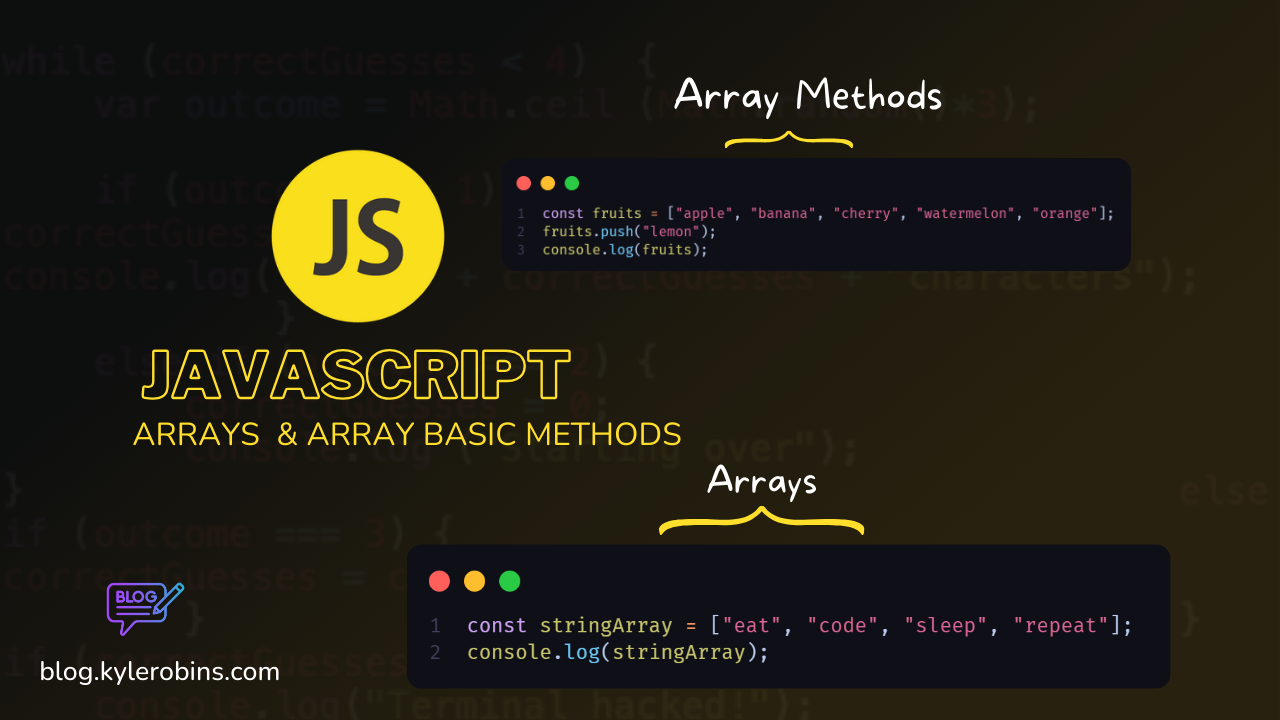
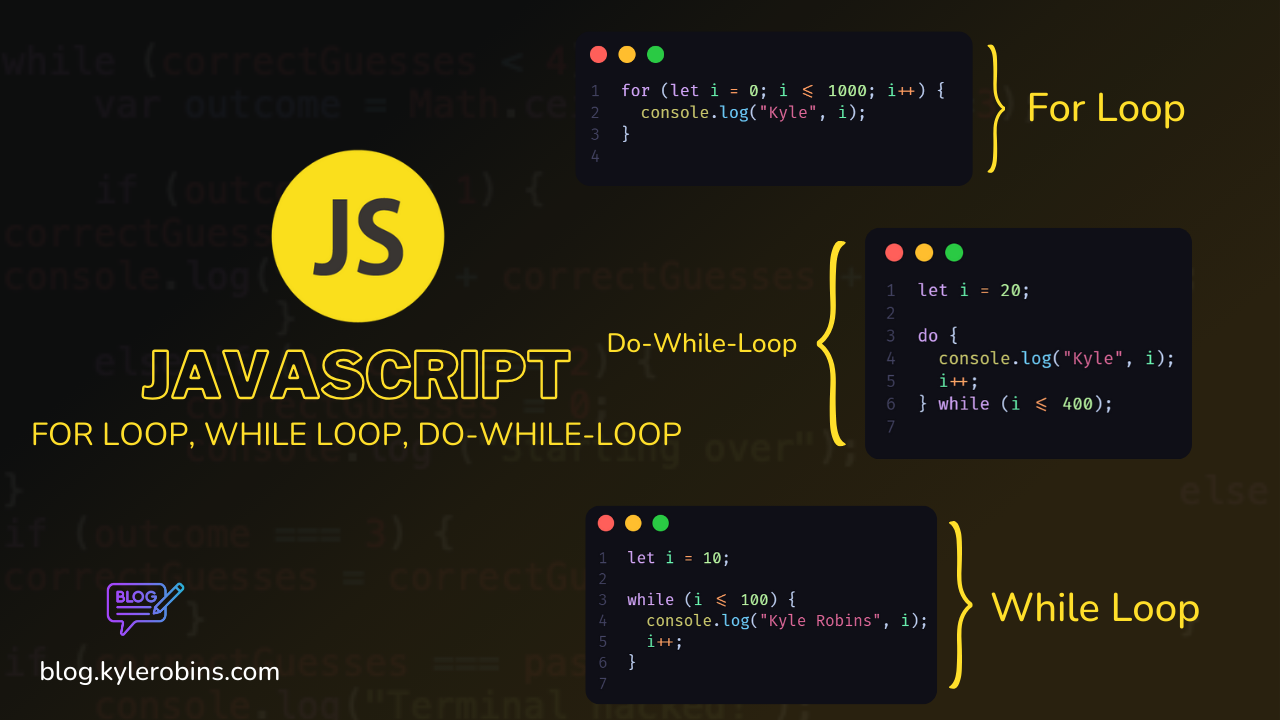
JavaScript is a powerful and versatile programming language that is widely used for web development. It allows developers to create dynamic and interactive web pages, enhancing the user experience by adding functionalities such as form validation, animations, and real-time updates.
Getting Started
To start working with JavaScript, you can include it directly in your HTML file using the <script> tag or link an external JavaScript file. Here's a basic example:
<!DOCTYPE html>
<html lang="en">
<head>
    <meta charset="UTF-8">
    <meta name="viewport" content="width=device-width, initial-scale=1.0">
    <title>JavaScript Introduction</title>
</head>
<body>

    <h1>Hello, JavaScript!</h1>

    <!-- Include JavaScript directly -->
    <script>
        // Your JavaScript code goes here
        alert('Hello, World!');
    </script>

    <!-- Link an external JavaScript file -->
    <!-- <script src="path/to/your/script.js"></script> -->

</body>
</html>
Basics of JavaScript
JavaScript is a versatile language with features such as:
Variables: Declare and assign values to variables.
Data Types: Includes primitives like numbers, strings, booleans, and objects.
Functions: Create reusable blocks of code.
Control Flow: Use if, else, for, while, and more.
DOM Manipulation: Interact with the Document Object Model to modify HTML and CSS.
Setting Up a JavaScript Development Environment
Welcome to the world of JavaScript! This guide will walk you through setting up a basic JavaScript development environment. We'll cover choosing an IDE, using your browser's developer tools, and running simple console.log tests.
1. Choose an Integrated Development Environment (IDE)
An Integrated Development Environment (IDE) can significantly enhance your coding experience. Here are a few popular choices:
Visual Studio Code (VSCode):
- Download and install Visual Studio Code.
- Install the "JavaScript" extension for enhanced JavaScript support.
Atom (Deprecated):
- Download and install Atom.
- Install the "script" package for running JavaScript directly in Atom.
Sublime Text:
- Download and install Sublime Text.
- Install the "Terminus" package for an integrated terminal.
Choose the one that suits your preferences or explore others based on your needs.
2. Browser and Developer Tools
JavaScript is primarily used for web development. Any modern web browser will suffice, but Google Chrome is often preferred due to its powerful developer tools.
- Google Chrome:
- Download and install Google Chrome.
- Open Chrome and press
Ctrl + Shift + J(Windows/Linux) orCmd + Option + J(Mac) to open the Developer Tools.
3. Test Your Environment
Using Visual Studio Code (VSCode)
- Create a new file, e.g.,
app.js. - Type the following code:
// app.js
console.log('Hello, JavaScript!');
- Save the file and right-click anywhere in the editor.
- Select "Open in Integrated Terminal."
- In the terminal, type
node app.jsand press Enter.
You should see the output: Hello, JavaScript!
Using Atom (Deprecated)
- Create a new file, e.g.,
app.js. - Type the following code:
// app.js
console.log('Hello, JavaScript!');
- Save the file and right-click anywhere in the editor.
- Select "Script" and then "Run Script."
You should see the output: Hello, JavaScript!
Using Sublime Text
- Create a new file, e.g.,
app.js. - Type the following code:
// app.js
console.log('Hello, JavaScript!');
- Save the file and open the integrated terminal using
Ctrl +(Windows/Linux) orCmd + - In the terminal, type
node app.jsand press Enter.
You should see the output: Hello, JavaScript!
Conclusion
Congratulations! You've successfully set up your JavaScript development environment and run a simple console.log test. Now you're ready to explore and build amazing things with JavaScript. Happy coding!
Resources
Here are some resources to help you learn more about JavaScript:
Mozilla Developer Network (MDN) JavaScript Guide
Contributing
If you have any suggestions or find issues, please feel free to open an issue or create a pull request.
###Github repo 👇👇
Happy coding!
About the author
Hey Viewer, I'm Kyle Robins, Devops / Full-stack Engineer based in Nairobi Kenya. Am passionate about Web development & Content Creation.
Comments
Join the discussionNo comments yet. Be the first to comment.
JavaScript for beginners 2024
Embark on a journey into the heart of web development with my comprehensive JavaScript Basics Blogging Series. Whether you're new to coding or looking to solidify your foundational skills.