JavaScript Array Mastery
Understanding Basics and Must-Know Methods
Hi there, and welcome back to another blog post. Today's topic is Arrays in JavaScript and Basic Array Methods
Introduction
An array in JavaScript is a type of global object designed for storing and organizing data efficiently. It serves as an ordered collection or list that can contain zero or more data types. Arrays use numbered indices, starting from 0, to access specific items within the collection.
Characteristics:
Ordered Collection: Arrays maintain the order of elements, allowing for sequential access based on index values.
Data Types: Arrays can accommodate various data types, including numbers, strings, objects, or even other arrays.
Example:
// Example of a JavaScript array
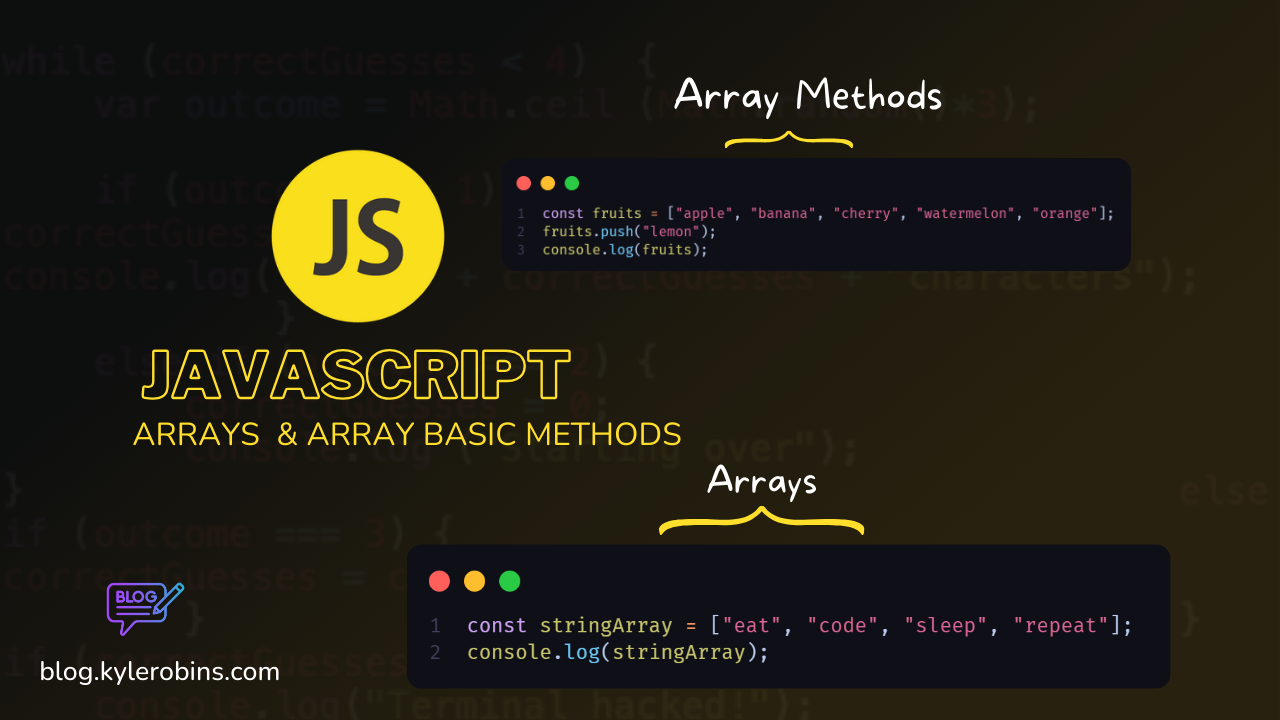
const fruits = ["apple", "banana", "cherry", "watermelon", "orange"];
In the above example, fruits is an array containing strings, and each element is accessible using its index.
Arrays play a crucial role in programming, providing a flexible and dynamic structure for handling and manipulating data in JavaScript applications.
Arrays in JavaScript
An array is an ordered, indexed collection of values. It can store multiple values of various types.
Array Declaration
const words = ["hello", "world", "welcome"];
// Array with strings
Empty Array
const myList = [];
// Declaration of an empty array
Array of Numbers
const numbersArray = [1, 2, 3, 4, 5];
// Array containing numeric values
Array of Strings
const stringArray = ["eat", "code", "sleep", "repeat"];
// Array containing string values
Nested Array (Two-Dimensional Array)
const nestArr = ["one", ["two", "three"], 1, true, false];
console.log(nestArr[1][1]);
// Accessing items inside a nested array: Output - "three"
Array with Mixed Data Types
const mixedArray = [
  { task1: "exercise" },
  [1, 2, 3],
  function hello() {
    console.log("hello");
  },
];
// Array with objects, arrays, and functions
Accessing Items in an Array
const myArray = ["h", "e", "l", "l", "o"];

// First element
console.log(myArray[0]); // Output: h

// Last element
console.log(myArray[myArray.length - 1]); // Output: o
console.log(myArray[4]); // Output: o
Use Cases
Storing Related Values:
- Arrays are useful for storing related values, such as a list of tasks, names, or numbers.
const tasks = ["task1", "task2", "task3"];Looping Through Elements:
- Arrays can be used with loops to perform operations on each element.
for (let i = 0; i < stringArray.length; i++) {
  console.log(stringArray[i]);
}
Nested Data:
- Nested arrays allow the organization of data hierarchically, useful for representing matrices or nested structures.
const matrix = [[1, 2, 3], [4, 5, 6], [7, 8, 9]];Mixed Data Types:
- Arrays can store elements of different data types, providing flexibility in data representation.
const mixedArray = [1, "hello", { key: "value" }];Accessing and Modifying Elements:
- Elements in an array can be accessed using index notation, and they can be modified or manipulated as needed.
myArray[0] = "H";
console.log(myArray); // Output: ['H', 'e', 'l', 'l', 'o']
Remember that array indices start at 0, so the first element is at index 0, the second at index 1, and so on.
Array Methods in JavaScript
1. Push Method
The push method adds a new element to the end of an array and returns the new length of the array.
const fruits = ["apple", "banana", "cherry", "watermelon", "orange"];
fruits.push("lemon");
console.log(fruits); // Output: ["apple", "banana", "cherry", "watermelon", "orange", "lemon"]
Application: Useful for dynamically updating arrays, such as maintaining a list of items in a shopping cart.
2. Pop Method
The pop method removes the last element of an array and returns the removed element.
fruits.pop();
console.log(fruits); // Output: ["apple", "banana", "cherry", "watermelon", "orange"]
Application: Often used when managing a stack of elements, like undo functionality in applications.
3. Shift Method
The shift method removes the first element of an array and returns the removed element.
fruits.shift();
console.log(fruits); // Output: ["banana", "cherry", "watermelon", "orange"]
Application: Useful for managing a queue of elements, such as processing tasks in a specific order.
4. Unshift Method
The unshift method adds a new element to the beginning of an array and returns the new length of the array.
fruits.unshift("cherry");
console.log(fruits); // Output: ["cherry", "banana", "cherry", "watermelon", "orange"]
Application: Handy for inserting elements at the beginning of an array, like adding a new item to the top of a to-do list.
5. Concat Method
The concat method joins two or more arrays and returns the result as a new array.
const moreFruits = ["Avocados", "Grapes"];
const totalFruits = fruits.concat(moreFruits);
console.log(totalFruits); // Output: ["cherry", "banana", "cherry", "watermelon", "orange", "Avocados", "Grapes"]
Application: Useful for combining multiple arrays or creating a copy with additional elements.
6. Includes Method
The includes method checks if an array contains a specified element and returns a Boolean.
const pl = ["JavaScript", "Golang", "Java", "PHP"];
console.log(pl.includes("Golang")); // Output: true
Application: Useful for checking the presence of a particular value in an array, like verifying if a programming language is supported.
7. Join Method
The join method creates a string by joining all elements of an array with a specified separator.
console.log(pl.join("-")); // Output: "JavaScript-Golang-Java-PHP"
Application: Often used to format and display arrays as a single, delimited string.
8. Reverse Method
The reverse method reverses the order of elements in an array.
pl.reverse();
console.log(pl); // Output: ["PHP", "Java", "Golang", "JavaScript"]
Application: Useful when needing to display items in a different order, like reversing a list of messages.
9. Slice Method
The slice method selects a part of an array and returns a new array containing the selected elements.
console.log(pl.slice(1, 3)); // Output: ["Java", "Golang"]
Application: Useful for extracting a portion of an array, such as retrieving a subset of data for further manipulation.
10. Sort Method
The sort method sorts the elements of an array in ascending order.
const num = [5, 4, 3, 2, 1];
console.log(num.sort()); // Output: [1, 2, 3, 4, 5]
Application: Frequently used for organizing numerical or alphabetical data in a specific order. Note that the default behaviour is lexicographic, so it might need a custom compare function for non-string elements.
You have reached the end of the blog post but as for me its just the beginning of my journey see you in the next one
About the author
Hey Viewer, I'm Kyle Robins, Devops / Full-stack Engineer based in Nairobi Kenya. Am passionate about Web development & Content Creation.
Comments
Join the discussionNo comments yet. Be the first to comment.
JavaScript for beginners 2024
Embark on a journey into the heart of web development with my comprehensive JavaScript Basics Blogging Series. Whether you're new to coding or looking to solidify your foundational skills.